Breaking Photoshop
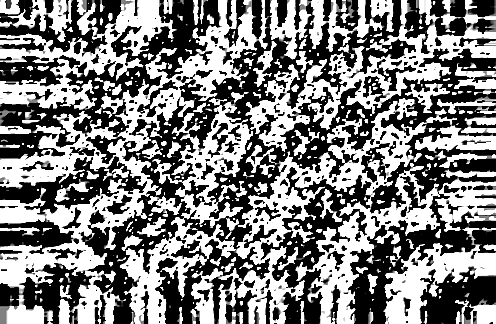
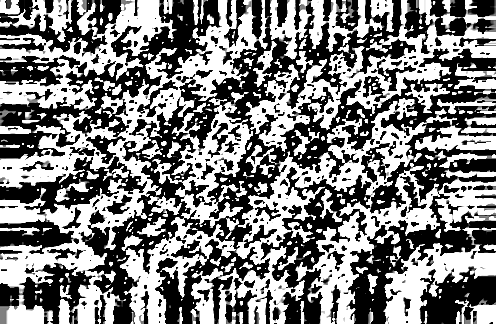
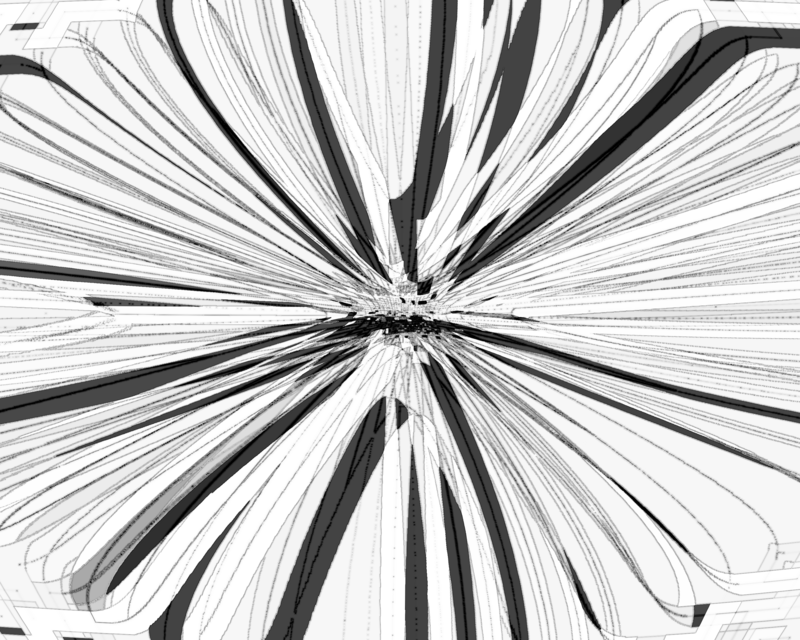
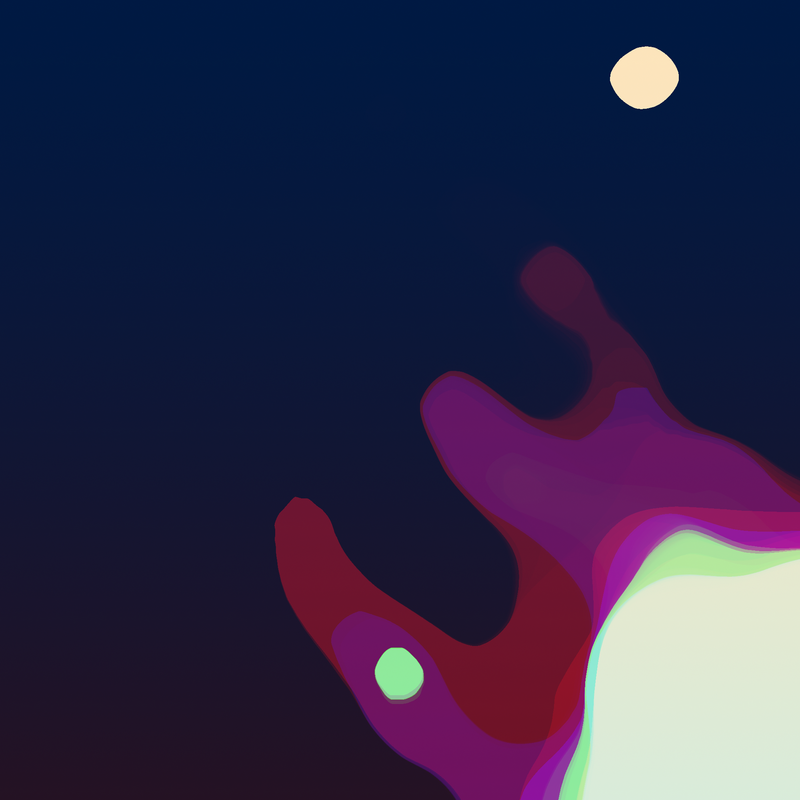
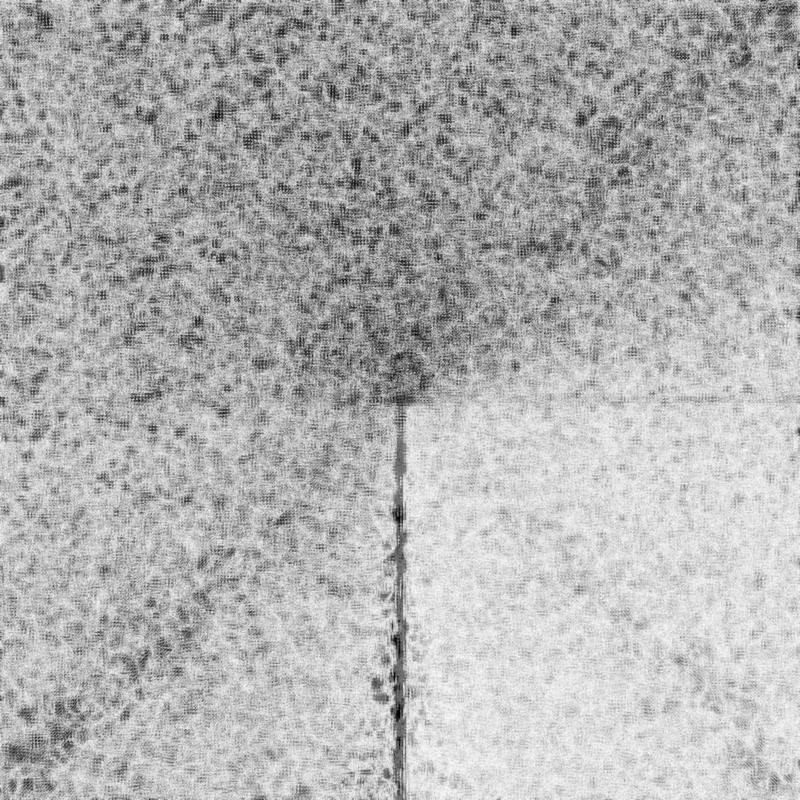
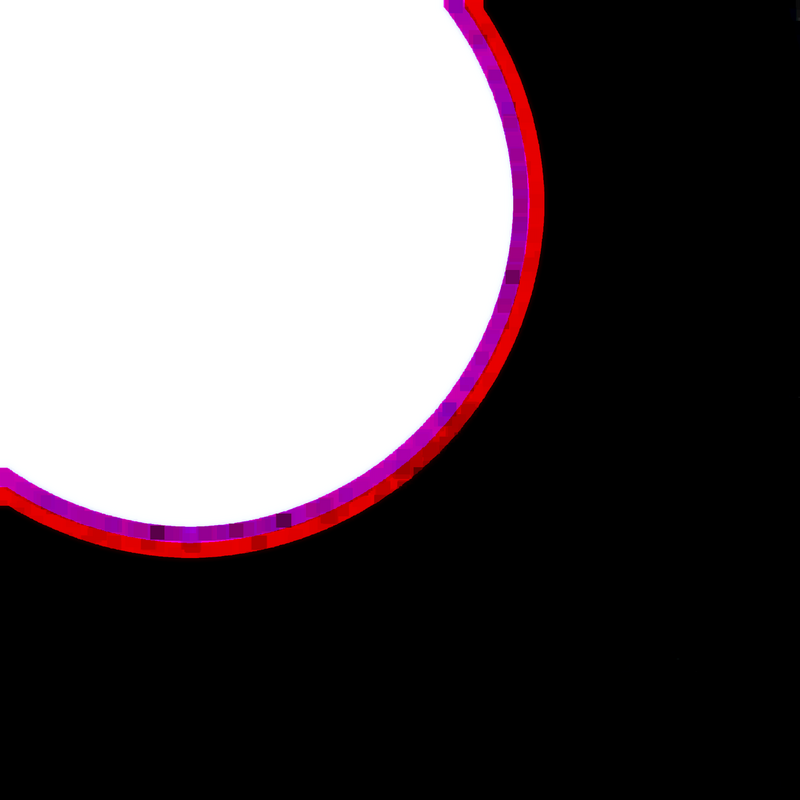
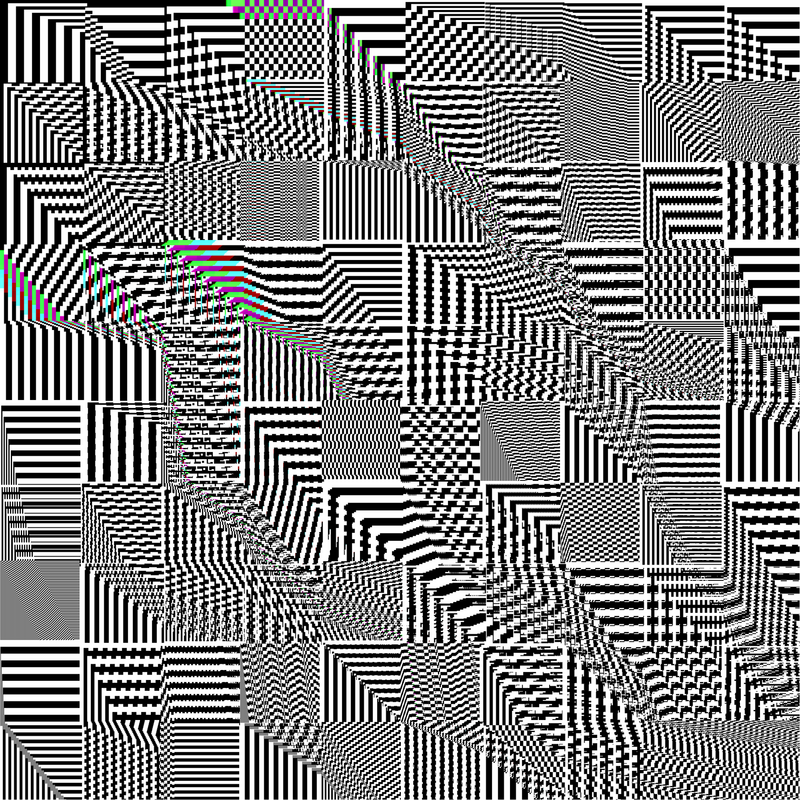
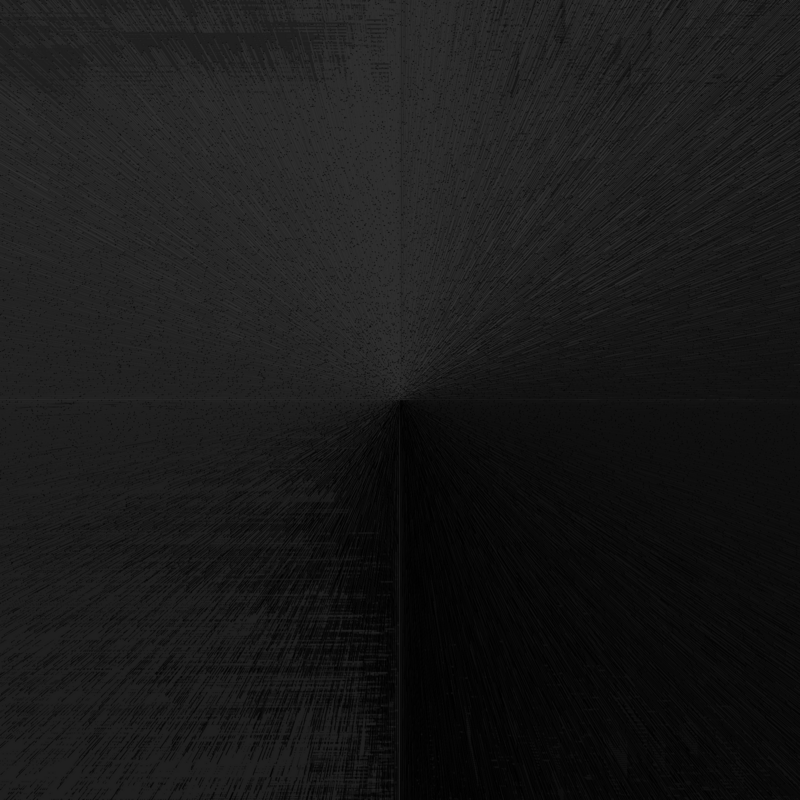
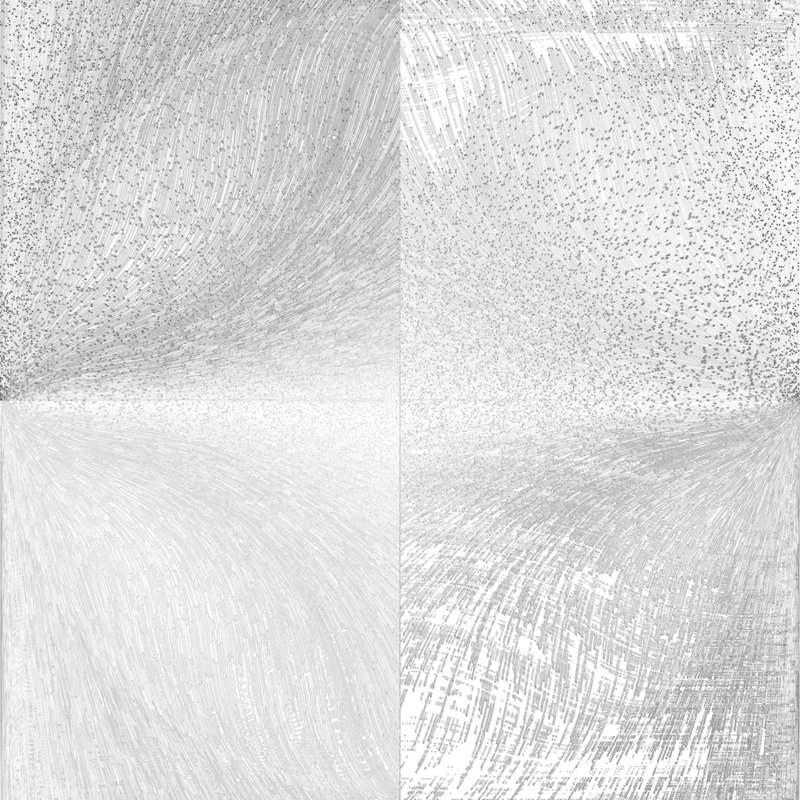
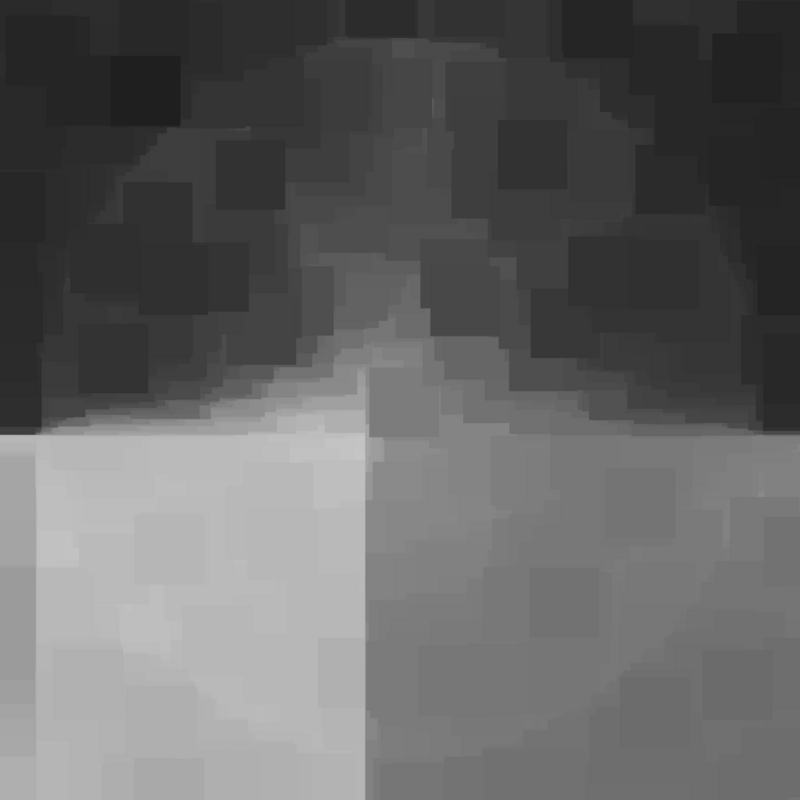
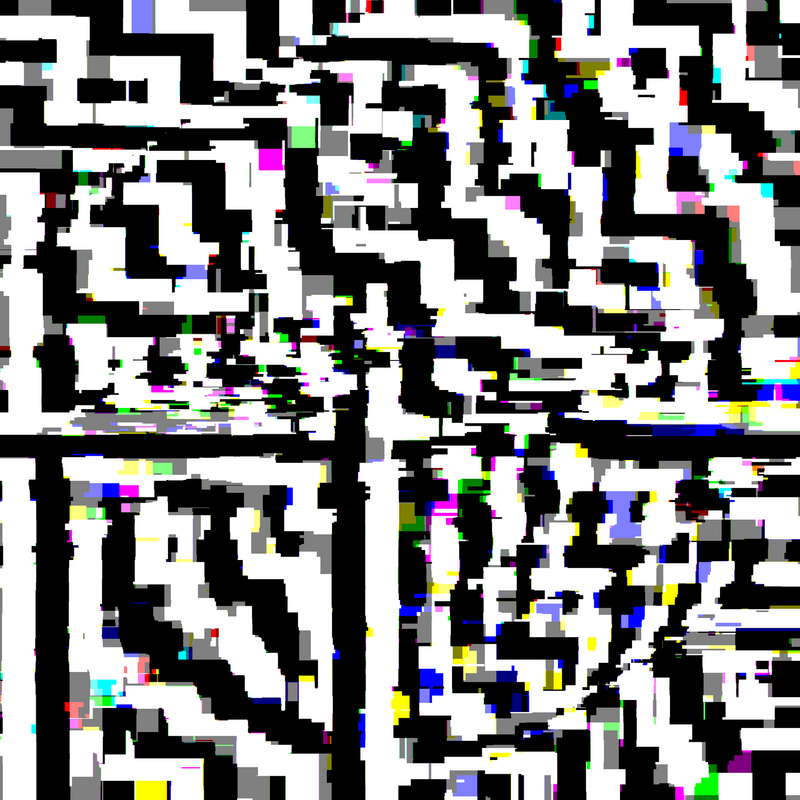
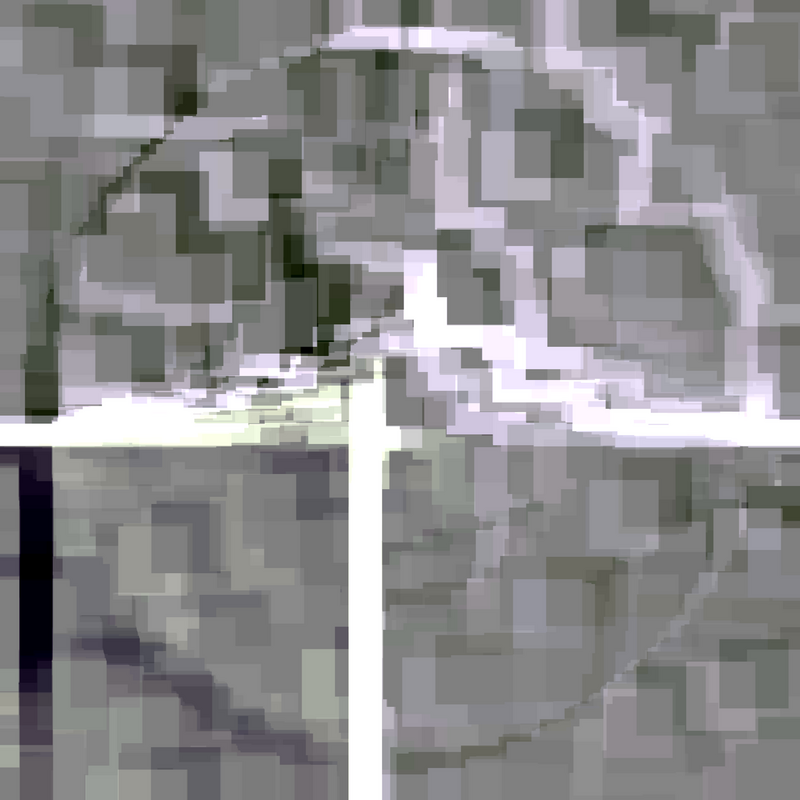
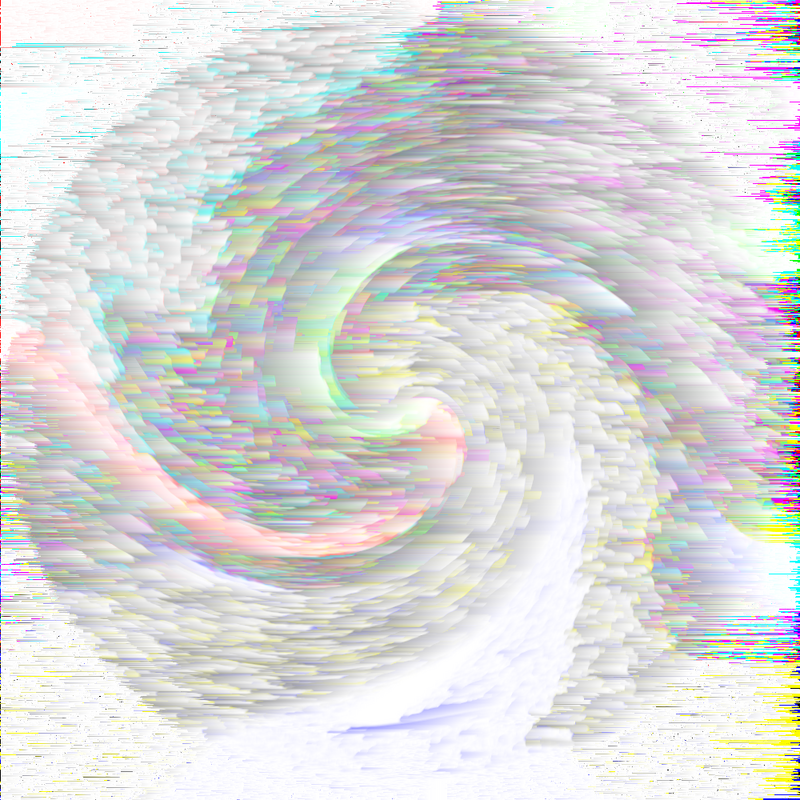
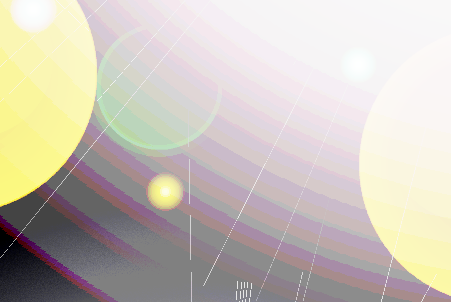
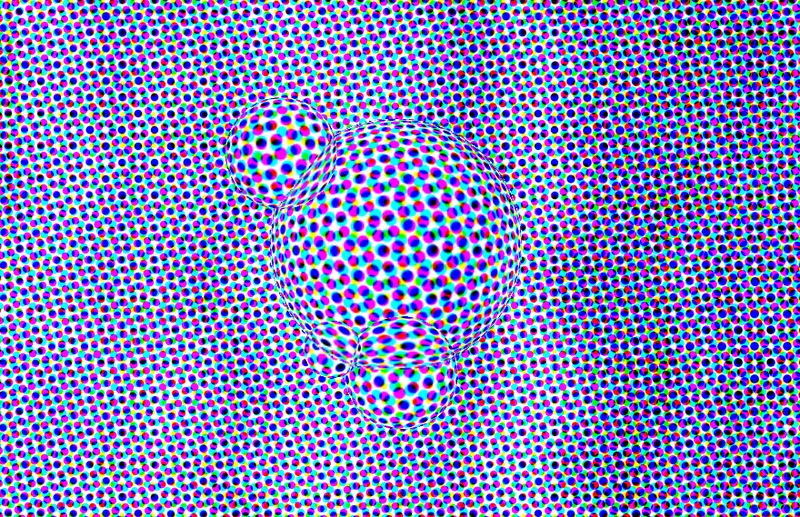
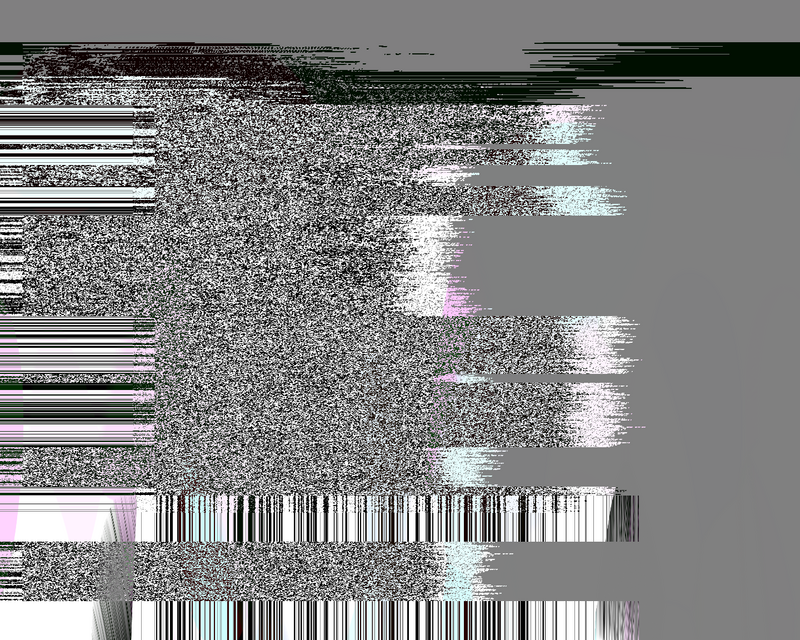
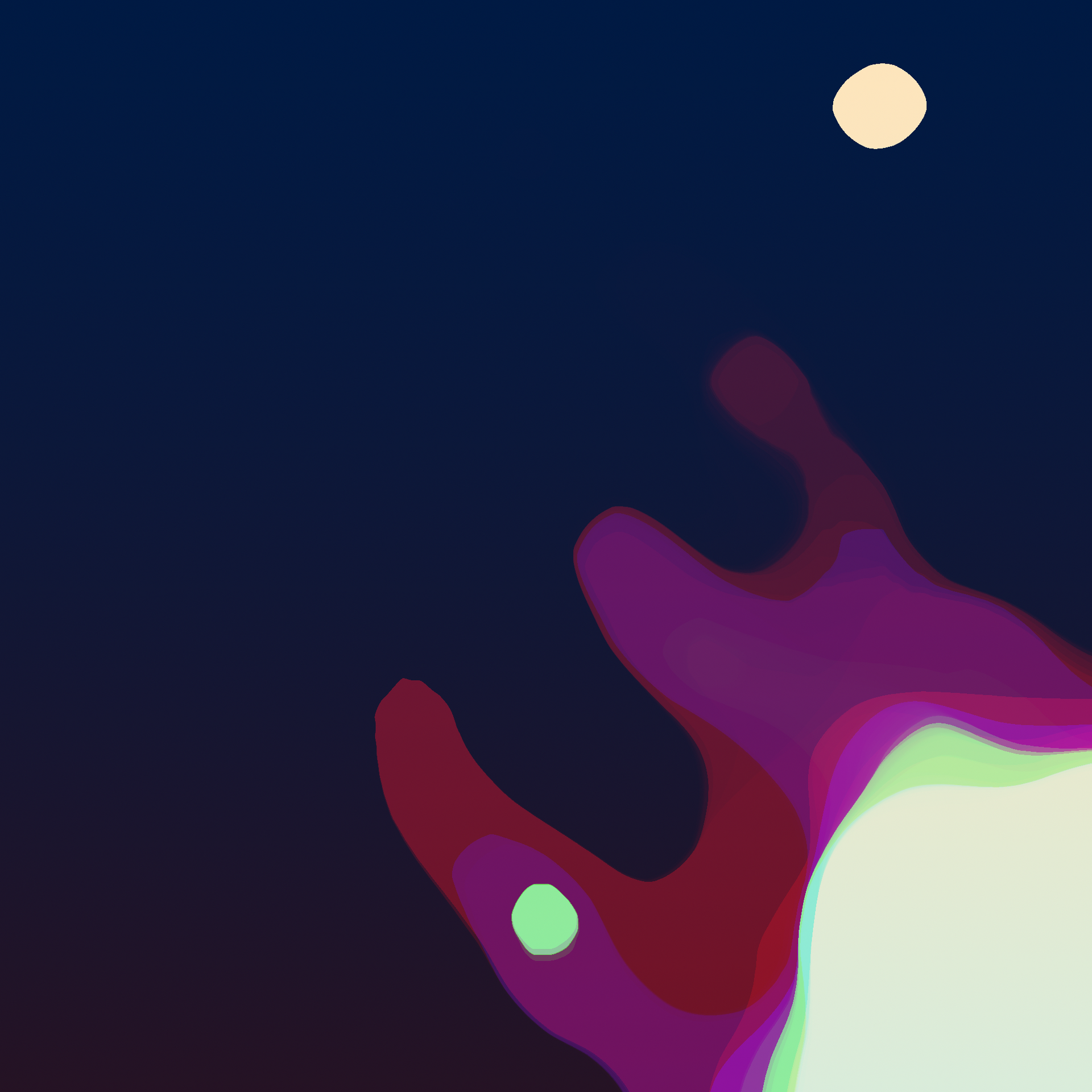
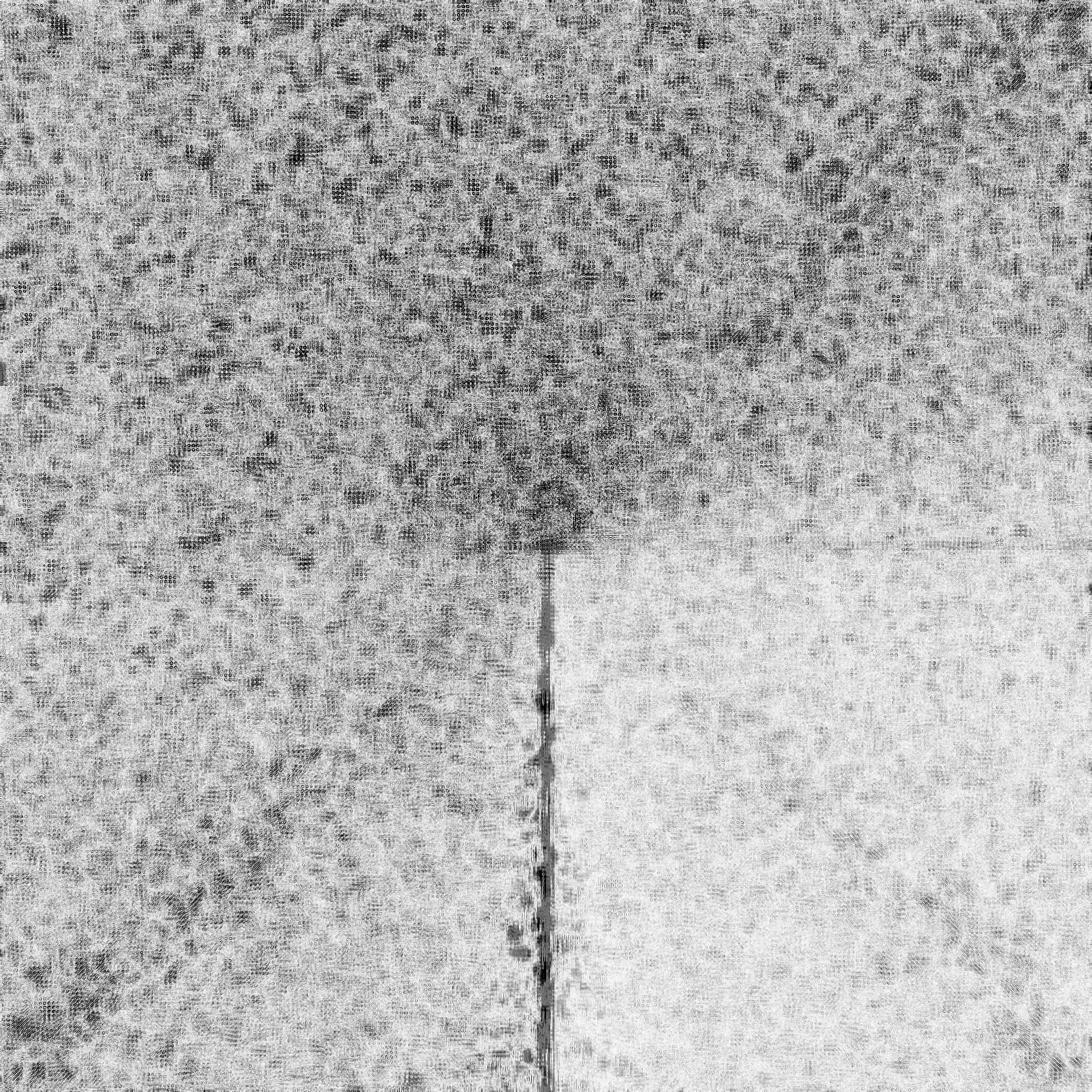
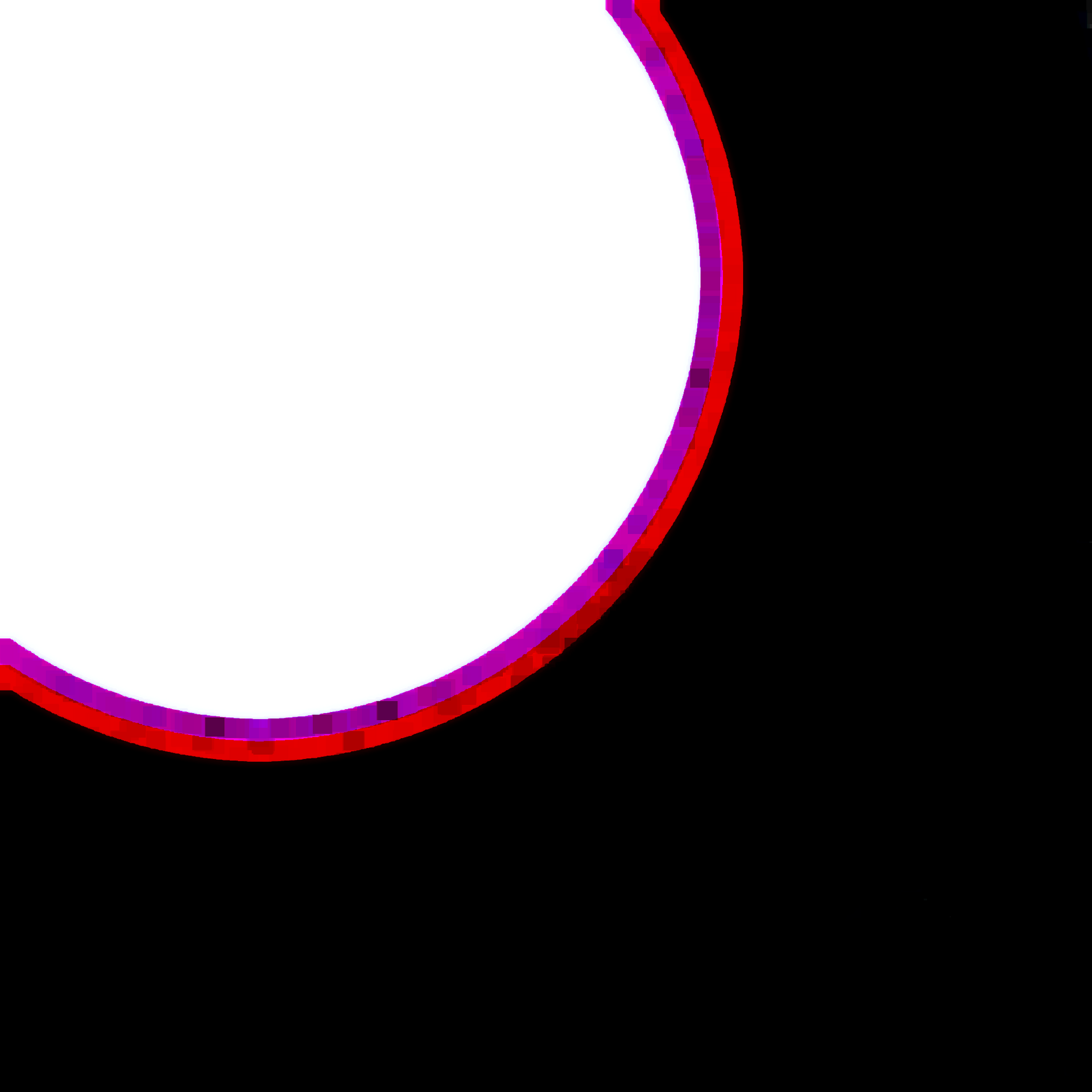
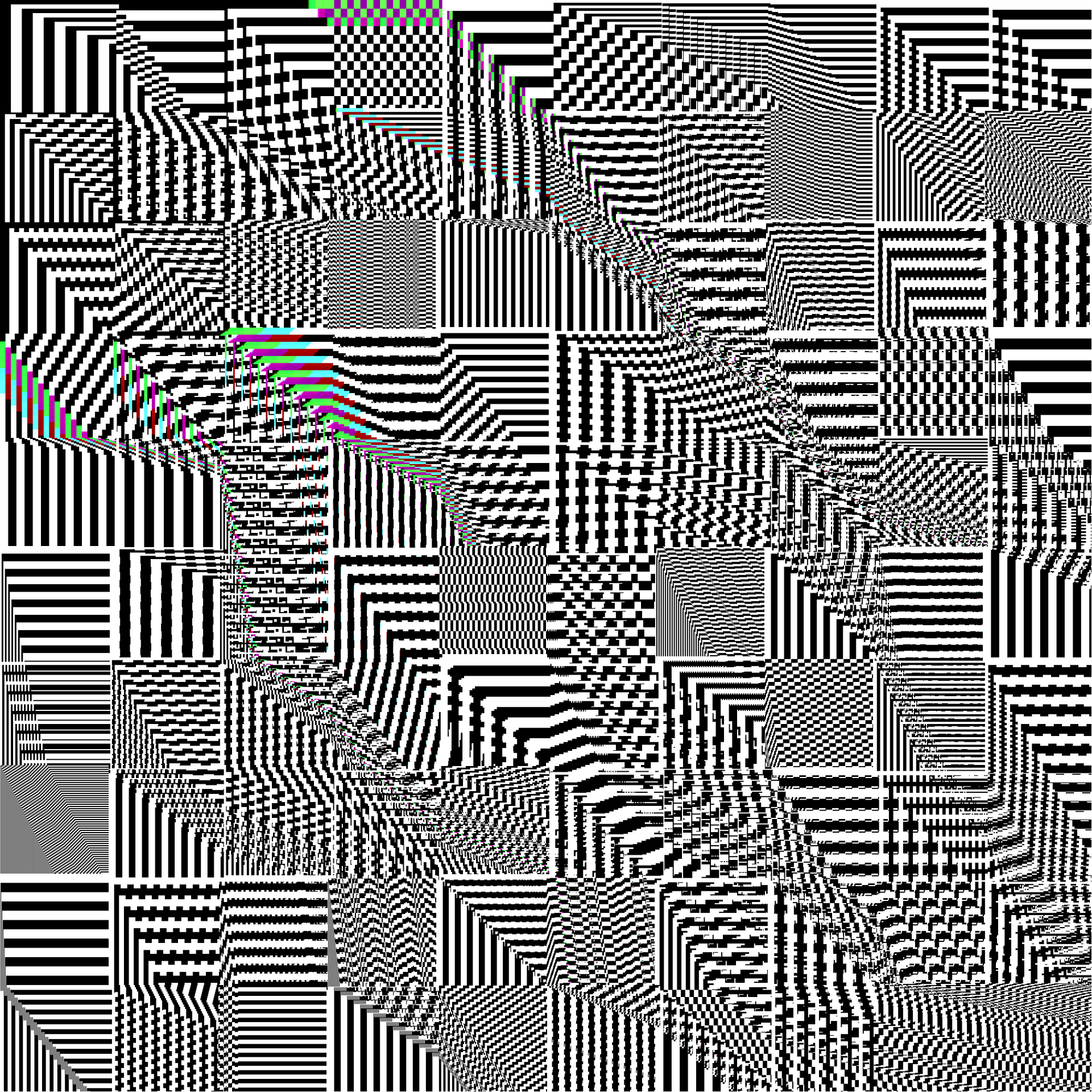
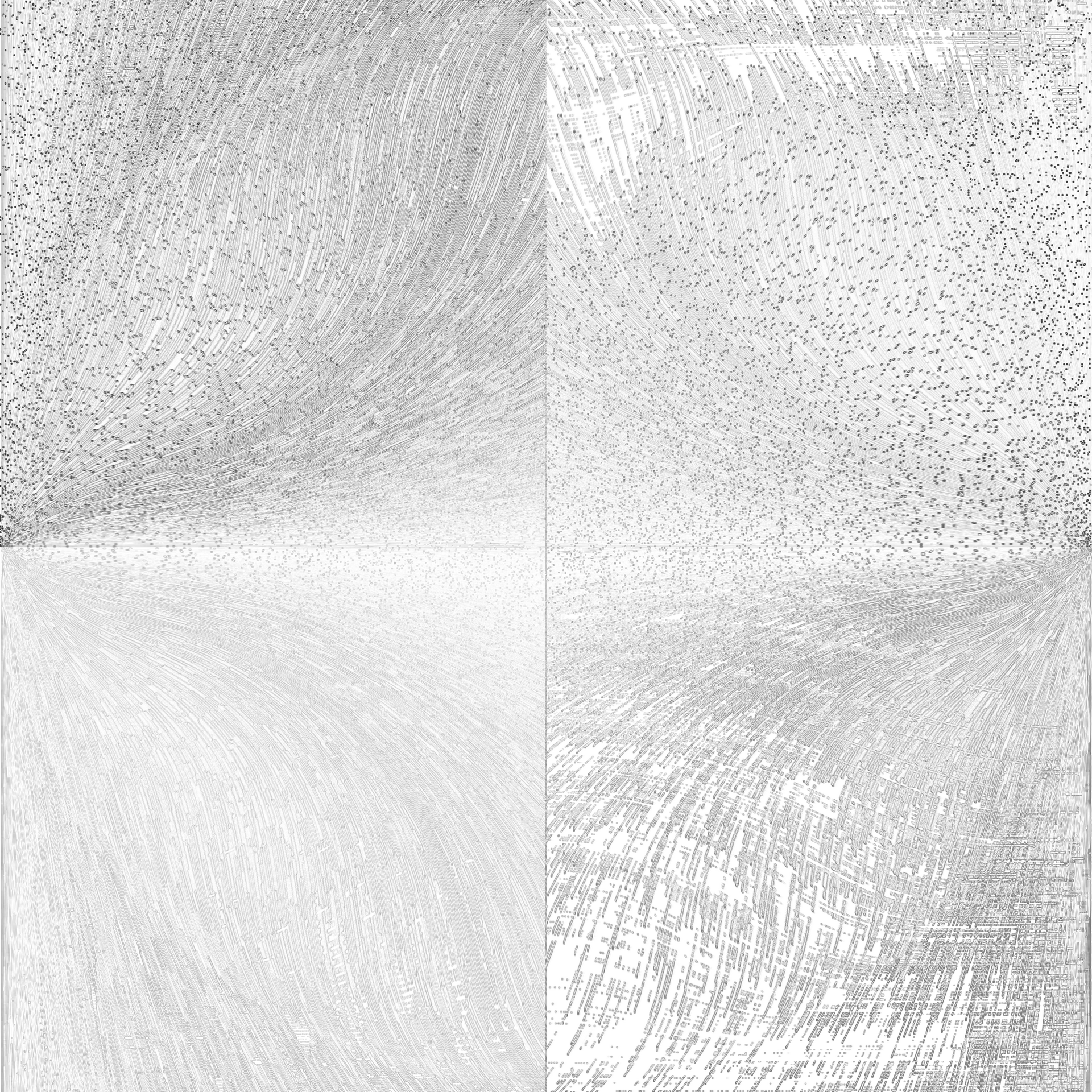
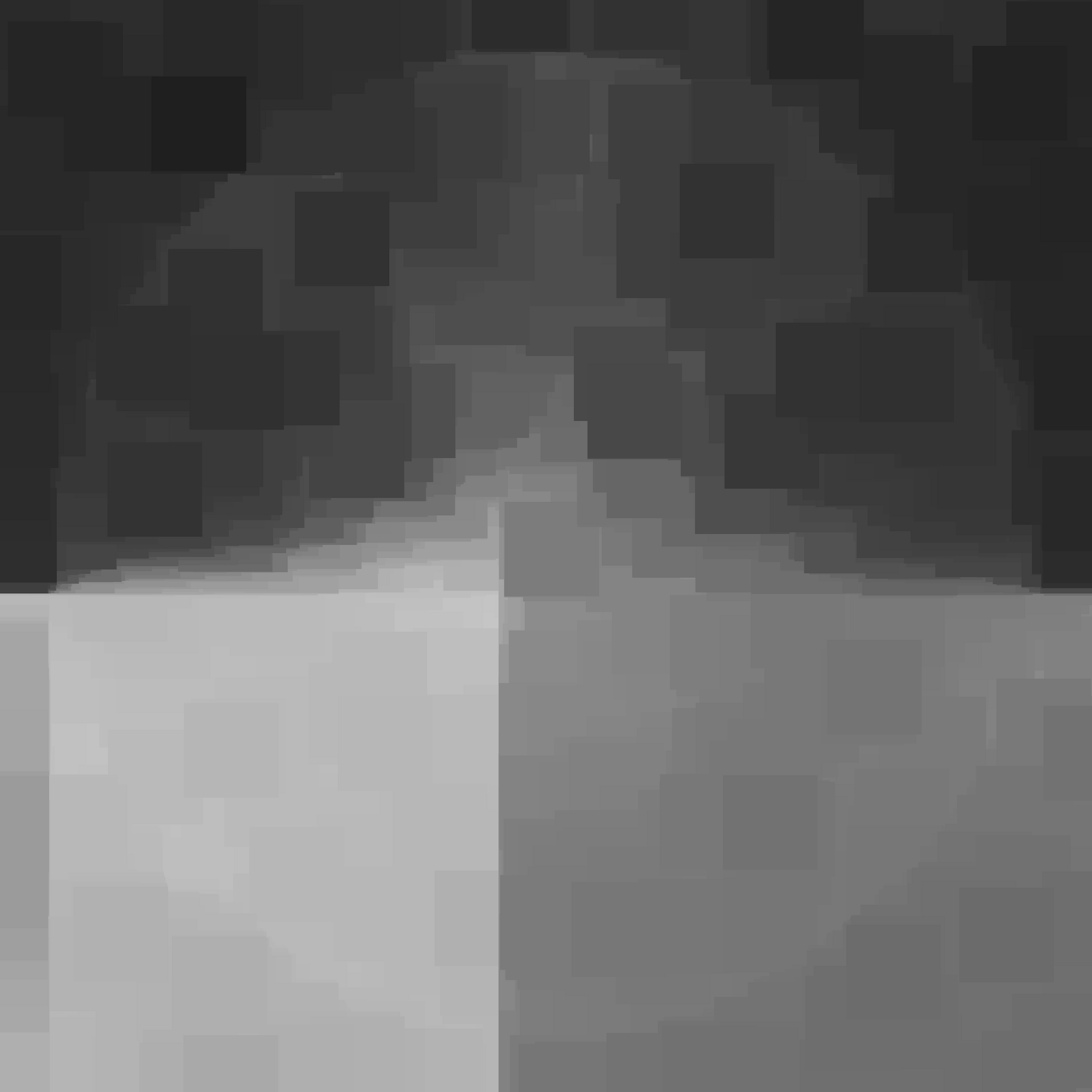
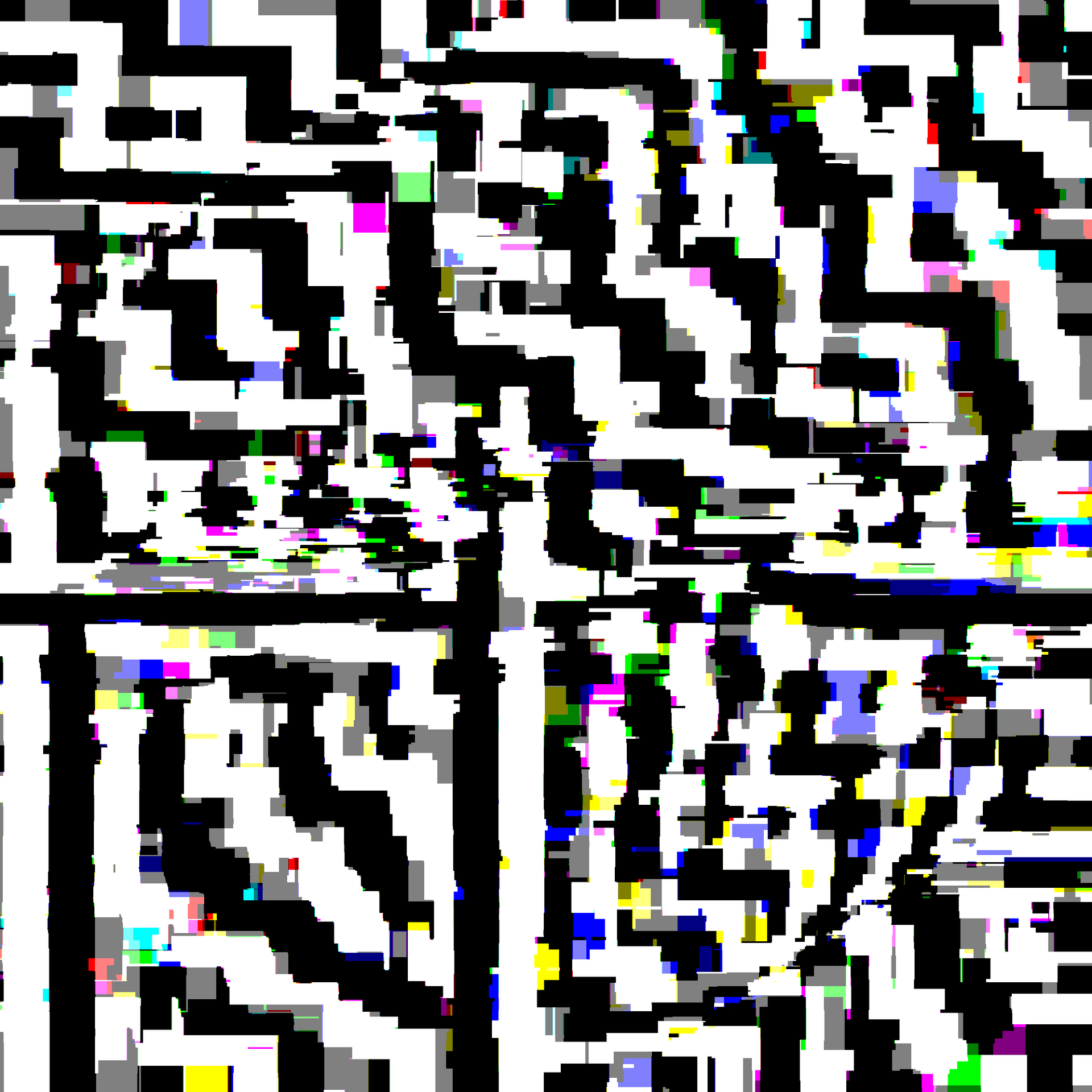
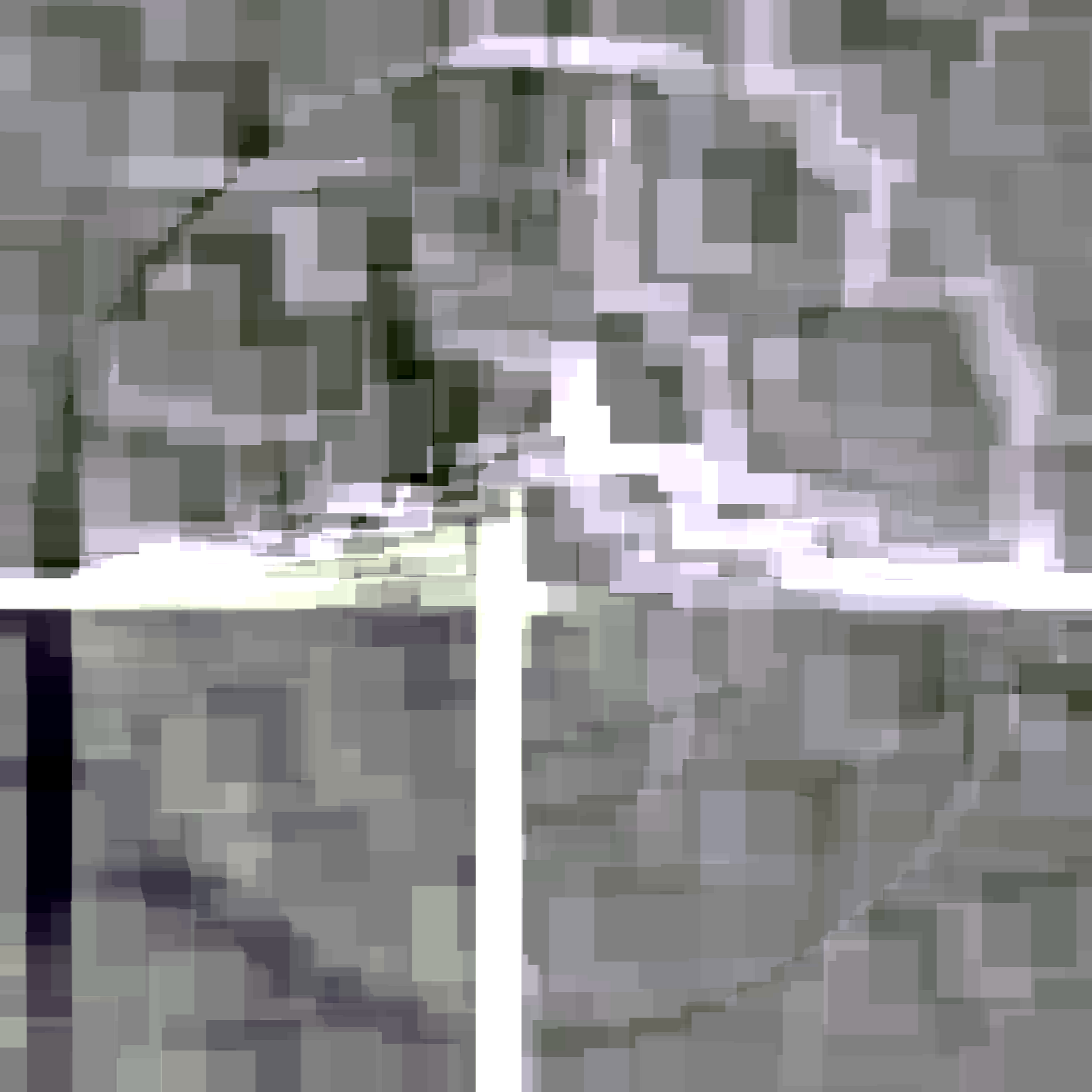
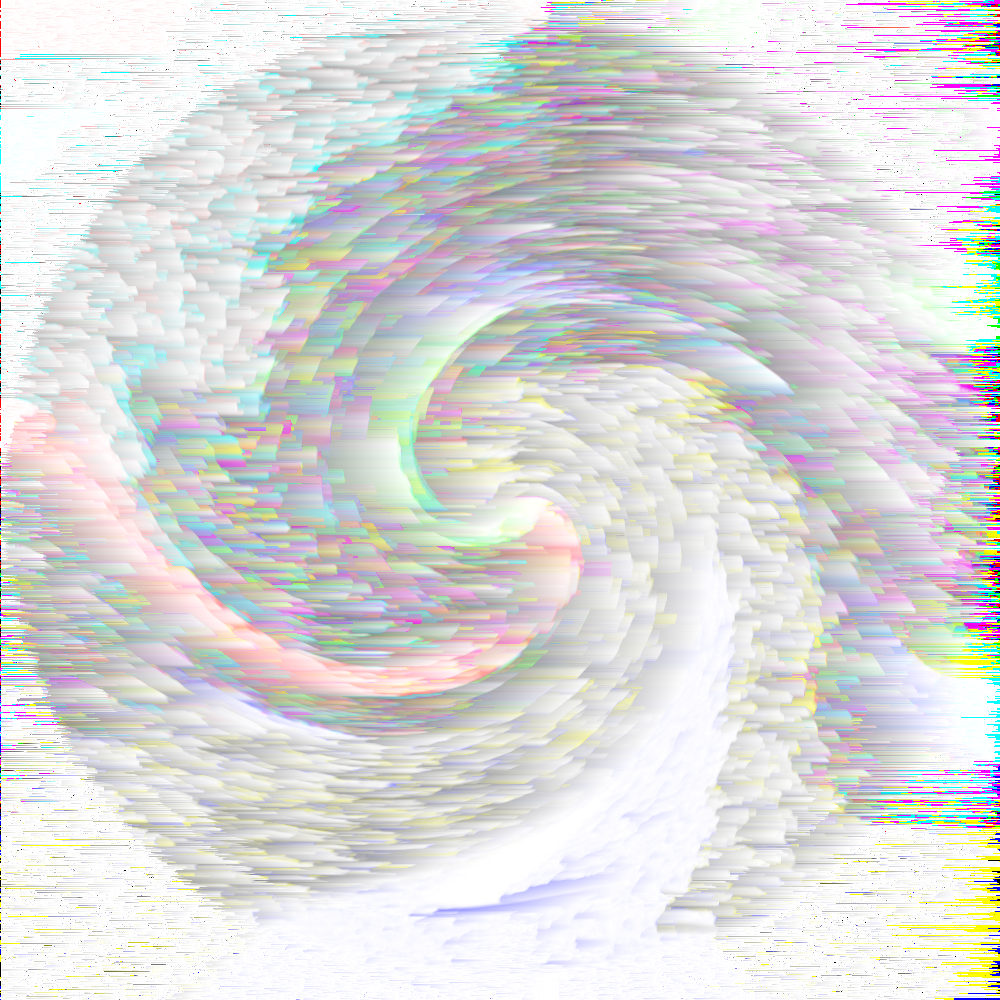
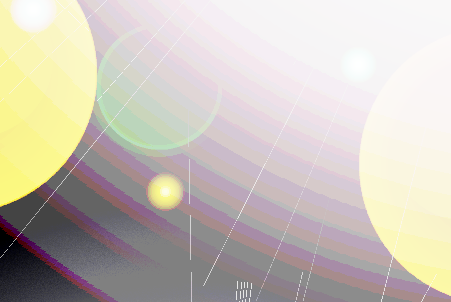
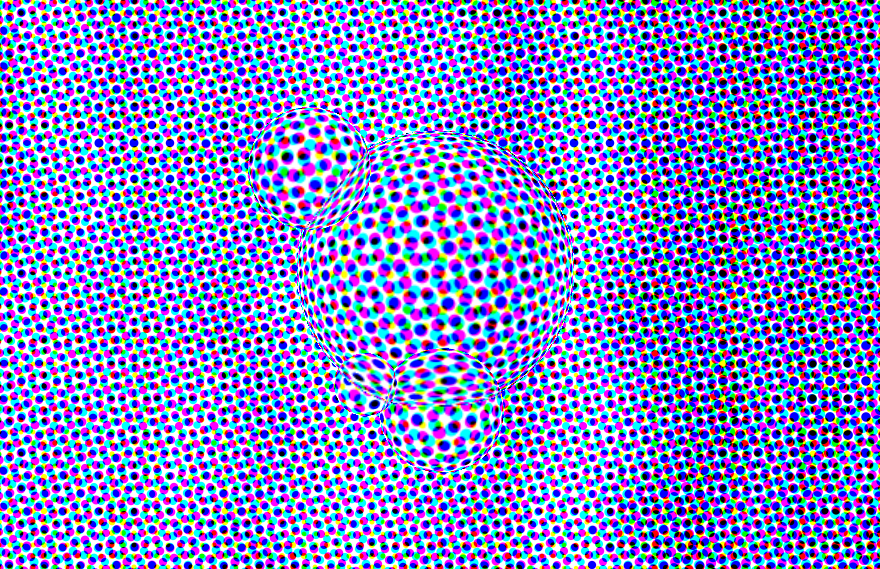
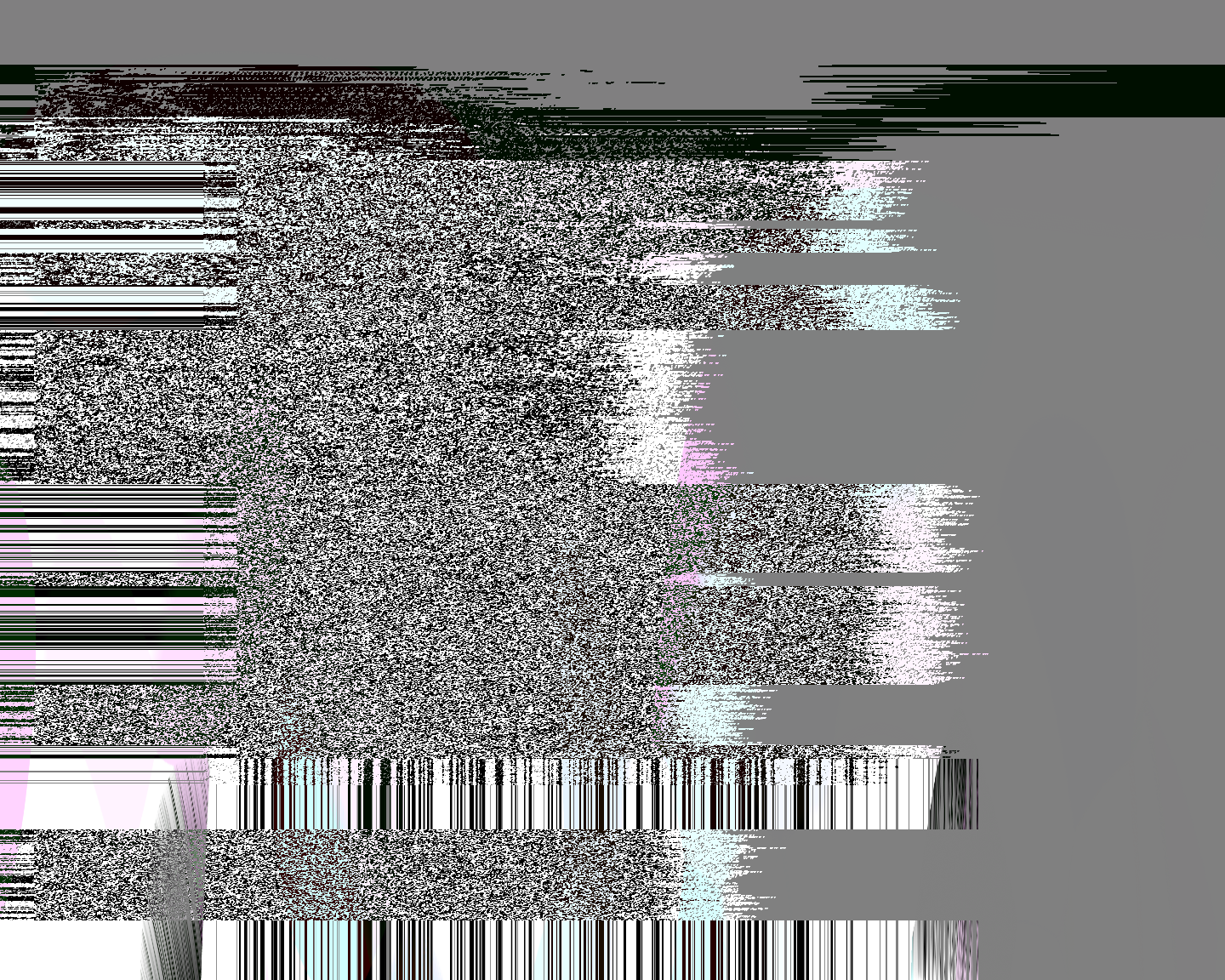
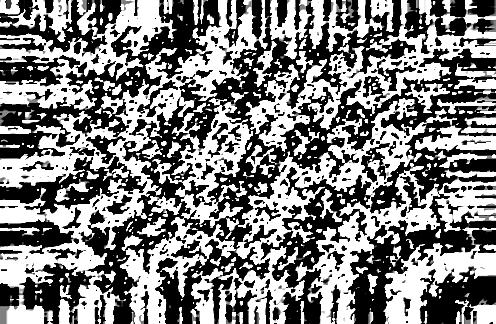
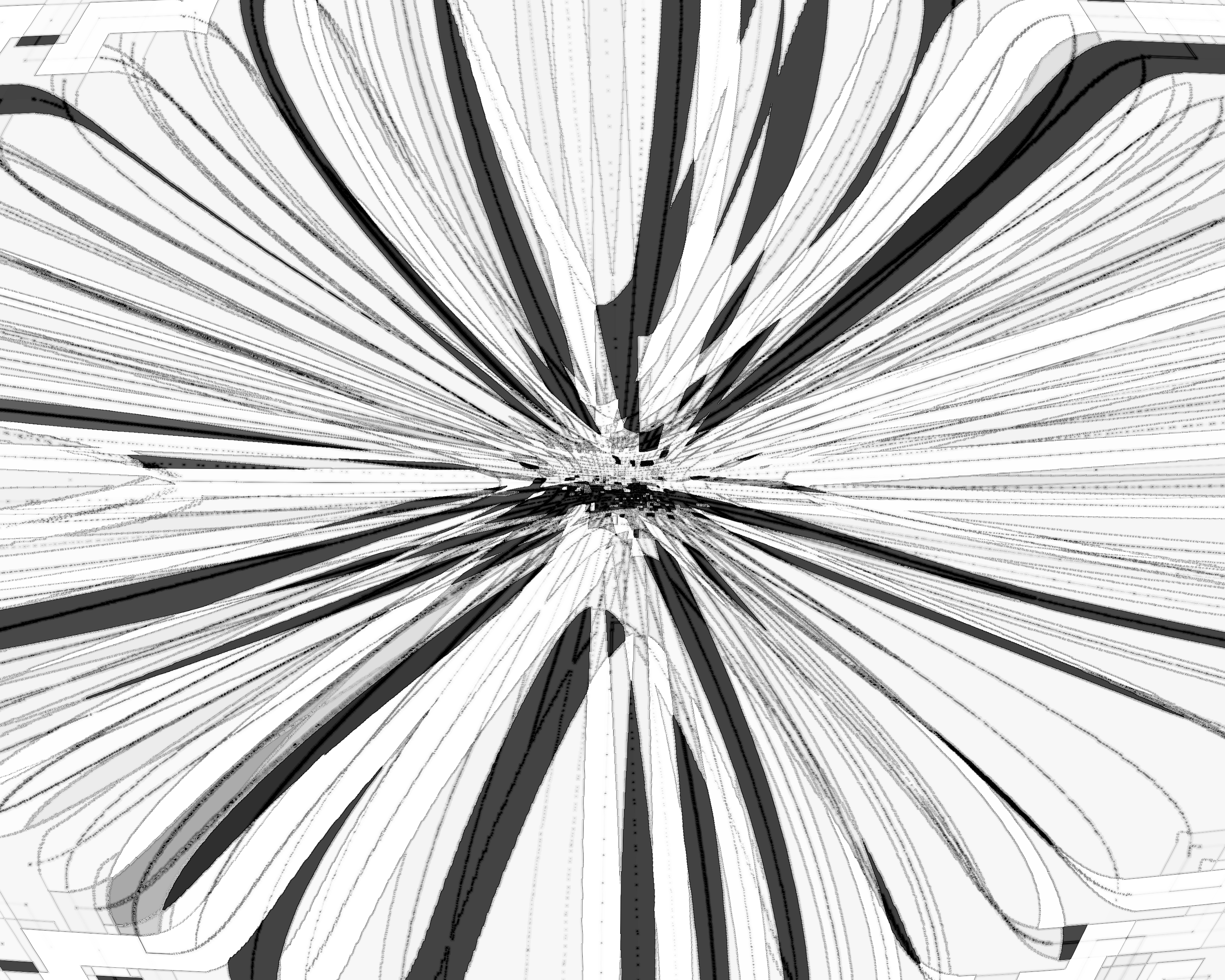
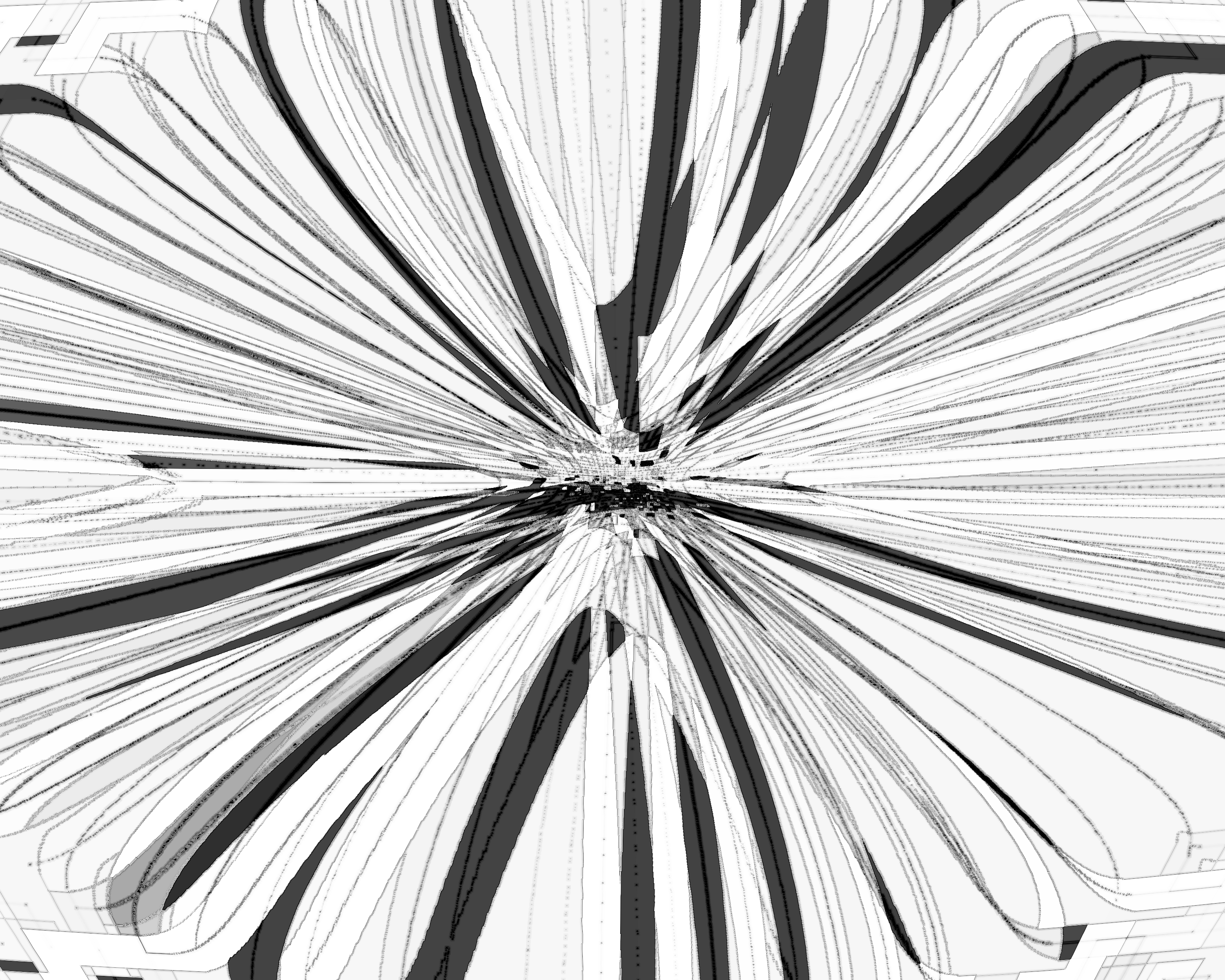
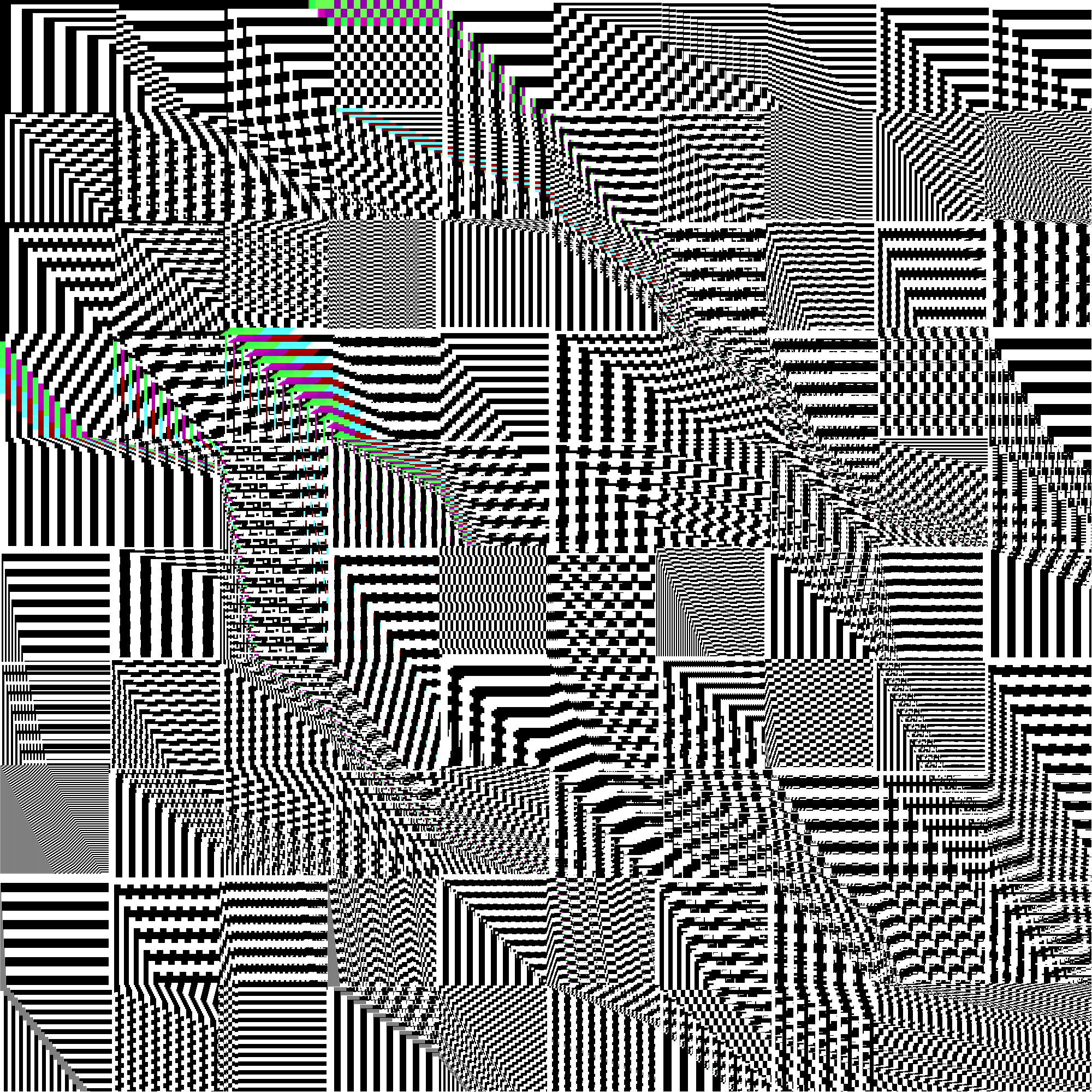
Breaking Photoshop is a series of digital images I made in the computer lab of my local community college. The images were generated by repeatedly applying Photoshop filters on a blank canvas until patterns started to form.
Demonstration
While most of the images in the series are still images, I did construct a couple gifs as well. However, the process for making them was time consuming, and still images were easier to compose. The gif below was constructed using Photoshops Frames from Layers feature. It turns each layer into a frame in the gif.
To create the frames, I started saving each iteration of Find Edges as a layer.
- Apply Find Edges
- Duplicate the layer.
- Repeat.
The result: algorithm in motion.
Process

The plan was simple....
- Spam ctrl + alt + F
- Wait.
- Profit?
...of course, in practice it was not that simple. Even on modern day computers, you will hang the software by doing this. But back then, I was using a 2014 Dell Inspiron desktop... you know, the skinny half-sized towers that businesses who cheap out on their equipment get? The kind of computer you get on Black Friday with a free anti-virus. I would often spam the hot key hundreds of times, causing the software to stop responding, then wait...the computers fans would spin up...and 10 or so minutes later there might be an image. And even then, the images weren't guaranteed to be of any use.
And don't get me started on the crashes...go save your project file...
Beyond the technical challenge, the real challenge was learning which filters produce any results at all. And, which ones produce interesting results. I wanted this project to go beyond just rolling dice and accepting the results. So instead of seeing myself as an operator, I saw myself as guide; pushing and pulling the software in different directions and, importantly, telling it when to stop because its image became art (aka "done").
Filters
Filters in Photoshop span a lot of different functionalities. I avoided any filter that did not work with the Last Filter hotkey. I also tried to avoid any that generated too blatant of an image. Filters like Lens Flare were used sparingly. Here are some filters that I found particularly useful in my experiments.
Noise
No need to spam this one. Start with it and your canvas is no longer just white pixels. This is one way to start getting texture in your image. However, it does make distinctly noisy images (duh...)
Find Edges
Find Edges was mentioned before. It's an interesting algorithmic filter that attempts detect the edges of an object. This filter behaves really interestingly when there are "entrapped" pixels of differing contrast. Also when you give it something with no obvious edges (such as a blurred image).
I highly recommend zooming in on this one, there are some pretty detailed patterns here. I like how, when zoomed out there is some type of aliasing effect.
Trace Contour
Trace Contour is very similar to Find Edges, but it brings about different patterns. This filter interacts with color in a really cool way. It turns each pixel into an individual, reacting to and influencing its neighbors in ways that create very interesting cascading effects. Watch how they move and interact.
Gallery
These images were never originally intended to be presented as a series. At the time, it was a fun way to challenge myself. But now, I can see how these images form a series that influenced my creative projects to this day! Concepts like generation loss, degredation and distortion, signal to noise ratios, and feedback loops are all nascently present in this work. And it is for that reason that I'm happy to present it to you here.
Tap to view high resolution.